From WordPress to Publii (with a Little Help from AI)

From WordPress to Publii (with a Little Help from AI)
This isn’t a tutorial.
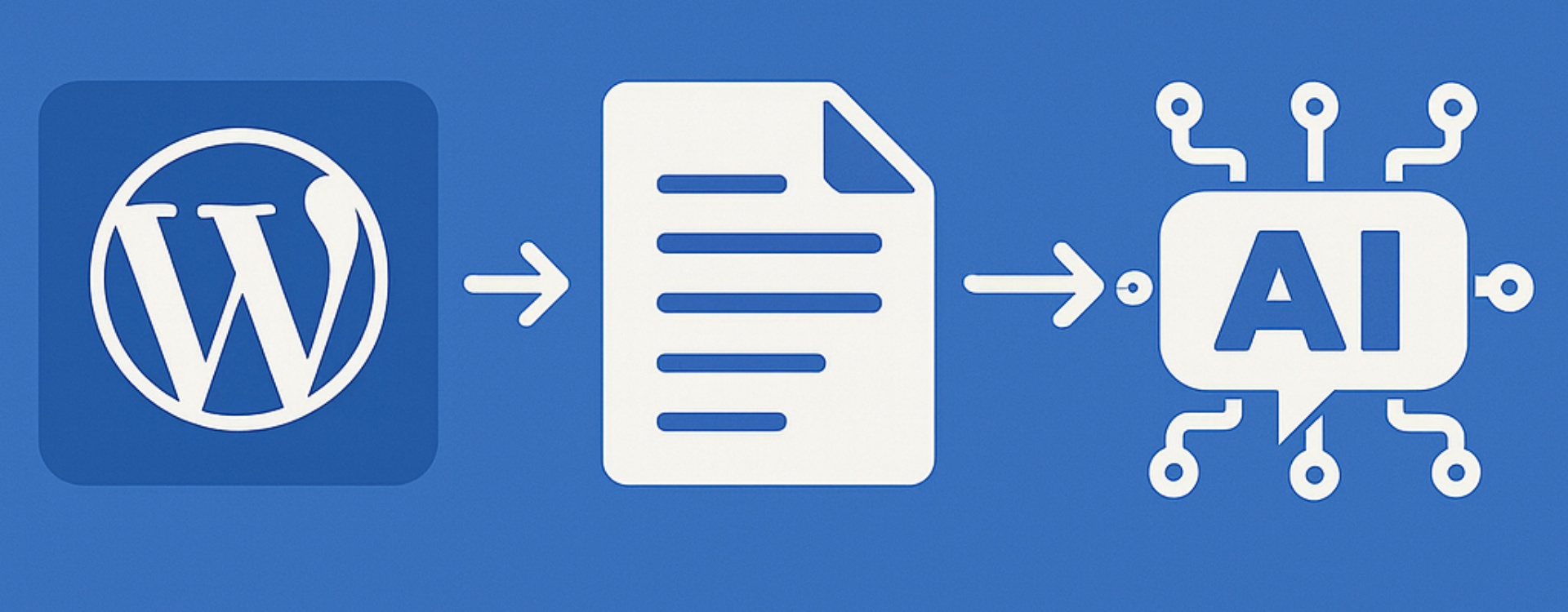
It’s the story of how I took my slightly tired WordPress blog, pulled it apart, moved it into Publii, used AI to help me rewrite half the thing, and then pushed it all onto Cloudflare Pages—ending up with a site that finally feels like me again.
If you’re sitting on an old WordPress install, slightly dreading the idea of “a full rebuild”, this is for you.
Why I finally broke up with WordPress
I didn’t hate WordPress. It did its job for years.
But over time, my setup started to feel like this:
- Too much weight: Plugins, themes, page builders, and “just one more tweak”.
- Too much friction: Updates, backups, security, performance plugins, caching layers.
- Too little joy: Writing felt secondary to maintaining the system that hosted the writing.
For a personal site like thatkarlsmith.com, I didn’t need a CMS that could power a news network. I needed:
- A fast, low-maintenance site.
- A writing experience that didn’t feel like filling in a form.
- A setup that I could understand end-to-end.
That’s where Publii came in.
Discovering Publii and why it clicked
Publii is a desktop app that lets you manage your content locally and then generate a static site. No database, no PHP, no server-side anything—just HTML, CSS, and assets.
What made it click for me:
- Local-first: I can write and edit offline, then sync when I’m ready.
- Static output: The site is just files. Easy to host, easy to move, hard to break.
- Theme control: Clean themes, simple structure, and enough flexibility without becoming a rabbit hole.
- Mental simplicity: No “is the server okay?” thoughts. It either builds or it doesn’t.
But I had a problem: years of posts sitting in WordPress.
I didn’t want to copy-paste my way into a new life.
The migration plan: keep the soul, lose the bloat
I knew I didn’t want a 1:1 clone of my old site.
This revamp was a chance to:
- Cut dead weight: Old posts that didn’t reflect who I am now.
- Tighten the archive: Keep only the pieces that still feel relevant or useful.
- Refresh the writing: Update intros, fix formatting, and improve flow.
So the plan looked like this:
- Get my content out of WordPress in a usable format.
- Move it into Publii.
- Use AI to help rewrite, polish, and restructure.
- Deploy the new static site to Cloudflare Pages.
- Keep iterating, but with a much lighter setup.
Step 1: Exporting content from WordPress
I used two main approaches to get my content out of WordPress:
Using “Export to Markdown” for clean content
I used the Export to Markdown plugin in WordPress to generate Markdown versions of my posts.
This gave me:
- Markdown files for each post
- Front matter or metadata I could work with
- Content that was much easier to massage, edit, and move around
Markdown is perfect for this kind of migration because it’s:
- Human-readable
- Easy to edit in any text editor
- Friendly to static site generators like Publii
Using the built-in WordPress export
I also used the built-in WordPress export tool to grab an XML export of my posts.
Publii has an import from WordPress feature, which can read that export and pull in:
- Posts
- Categories
- Tags
- Basic structure
This combo—Markdown export for content, WordPress export for structure—gave me options. I wasn’t locked into one path.
Step 2: Importing into Publii
Inside Publii, I created a new site for thatkarlsmith.com and used the WordPress import feature to bring in my content.
This did a lot of the heavy lifting:
- Posts appeared in Publii with their titles, dates, and basic formatting
- Categories and tags came across
- I had a starting point instead of a blank canvas
From there, it became less of a “migration” and more of a curation.
Step 3: Curating the archive (and being ruthless)
This was the part that made the biggest difference.
I didn’t want to drag my entire content history into the new site just because it existed. So I went through my posts with a simple rule:
If I wouldn’t be happy for someone to land on this today, it doesn’t belong on the new site.
My rough process:
- Scan each post: Title, intro, and a quick skim
- Ask three questions:
- Does this still reflect me?
- Does it fit where I want the site to go?
- Would I share this now?
- Decide:
- Keep and polish
- Archive privately
- Let it go
I started with around 17 posts on the new build and had 25–30 more I could bring over. In the end, I was happy landing somewhere around 20–25 solid posts—not a massive archive, but a focused one.
Quality over quantity feels much better when the site is personal.
Step 4: Using AI (Copilot) as a writing partner, not a ghostwriter
This is where AI came in—and where the process actually became fun.
I didn’t want AI to write my site for me. I wanted it to:
- Help me rewrite clunky intros
- Suggest better structure for longer posts
- Tighten wordy sections
- Keep my tone, but make it sharper
How I used AI in practice
Here’s how I worked with AI (Copilot) on individual posts:
Rewriting intros:
I’d paste the original intro and ask for a version that was shorter, clearer, and more “me”.Restructuring posts:
I’d ask for suggested headings based on the content, then decide what to keep, merge, or drop.Polishing paragraphs:
I’d feed in a paragraph and ask for a tighter version, a more conversational version, or a version with a specific tone.
The key thing: I always stayed in the loop.
AI gave me options, but I made the final calls. It felt less like outsourcing and more like having a very fast editor who doesn’t get tired of my indecision.
Step 5: Hosting on Cloudflare Pages
Once Publii was generating a static version of the site I was happy with, it was time to put it somewhere.
I chose Cloudflare Pages for a few reasons:
- Fast global CDN: Static files + Cloudflare’s network = very quick
- Simple deployment: Connect a repo or upload files and let it build
- Perfect for static sites: No server to manage, no PHP, no database
Publii can deploy via multiple methods, but the basic idea is:
- Generate the static site locally
- Push or upload the output to Cloudflare Pages
- Let Cloudflare handle the rest
The result?
- A site that feels instant
- No caching plugins
- No “did the PHP process die?” worries
And yes, talking about this setup might “give away” why the site is fast—but honestly, I’m fine with that. If anything, it’s a quiet flex.
Why Markdown made this whole process easier
Markdown is one of those things that looks almost too simple at first—plain text with a few symbols sprinkled in—but once you start using it, you realise how freeing it is.
Quick Markdown Cheat Sheet
| What you type (Markdown) | What it becomes |
|---|---|
# Heading | # Heading |
## Subheading | ## Subheading |
**Bold text** | Bold text |
*Italic text* | Italic text |
`Inline code` | Inline code |
- Bullet item | - Bullet item |
1. Numbered item | 1. Numbered item |
> Blockquote | > Blockquote |
--- | — |
[Link text](https://example.com) | Link text |
 |  |
| <br>Code block<br> |
That’s it. No hidden formatting. No copy‑paste weirdness. No “why is this paragraph suddenly 14px?” mysteries.
Why Markdown works so well for a rebuild
- It’s portable: Any editor can open it
- It’s durable: Markdown files will still work 20 years from now
- It’s clean: No inline styles, no leftover WordPress shortcodes
- It’s future‑proof: You’re not tied to a platform—the content is yours
- It’s fast to edit: Especially when paired with Publii’s editor
For a site revamp, Markdown becomes the perfect middle ground: structured enough for a CMS, simple enough to edit anywhere.
The beauty of going flat‑file
Moving to a flat‑file system like Publii means your site is literally just:
- HTML
- CSS
- JS
- Images
- Markdown (before it’s built)
No database. No server-side code. No moving parts.
Why that matters
- Speed: Static files load instantly from a CDN
- Security: No database = no SQL injection, no login page to attack
- Stability: Nothing to crash. Nothing to update
- Portability: Zip the folder and your entire site fits in your pocket
- Control: You know exactly what’s being deployed
For a personal site, it’s the perfect balance of simplicity and power.
What I gained by leaving WordPress
After moving to Publii, using AI to refine my content, and hosting on Cloudflare Pages, here’s what changed:
- The site feels lighter — fewer posts, but each one feels intentional
- The stack is simpler — no database, no PHP, no plugin roulette
- Writing feels better — Markdown + Publii is a joy
- Performance is just… handled — static files + CDN = fast by default
Most importantly: I enjoy working on the site again.
Would I recommend this setup?
If you:
- Have a personal site or blog
- Are tired of maintaining a full WordPress stack
- Like the idea of owning static files instead of a database
- Don’t mind a bit of initial migration effort
Then yes—WordPress → Publii → Cloudflare Pages is a very solid path.
And if you’re open to it, bringing AI into the process as a writing partner can turn a “migration chore” into something surprisingly creative.
Final thoughts
This wasn’t a clean, one-click migration. It was a mix of:
- Exporting content from WordPress
- Importing into Publii
- Curating what deserved to come along
- Using AI to rewrite, polish, and restructure
- Deploying the final result to Cloudflare Pages
But that’s kind of the point.
A revamp isn’t just about moving platforms—it’s about deciding what you want your site to be now.
If you’re sitting on an old WordPress install and this sparked something, maybe it’s time to open the hood and see what still deserves a place in your next version.
And if you do end up going down the Publii + AI + Cloudflare route, I’d be curious to see what you build.
You should also read:

Conington's Haunted Crossing: Ghostly Tales from Cambridgeshire
There are plenty of supposedly haunted places around Britain, but Conington Level Crossing in Cambridgeshire has a particularly eerie reputation. Known locally and in paranormal folklore as “The Crossing of Death”, this remote railway crossing near Peterborough has been associated with a number of tragic…
Continue reading...
Comments